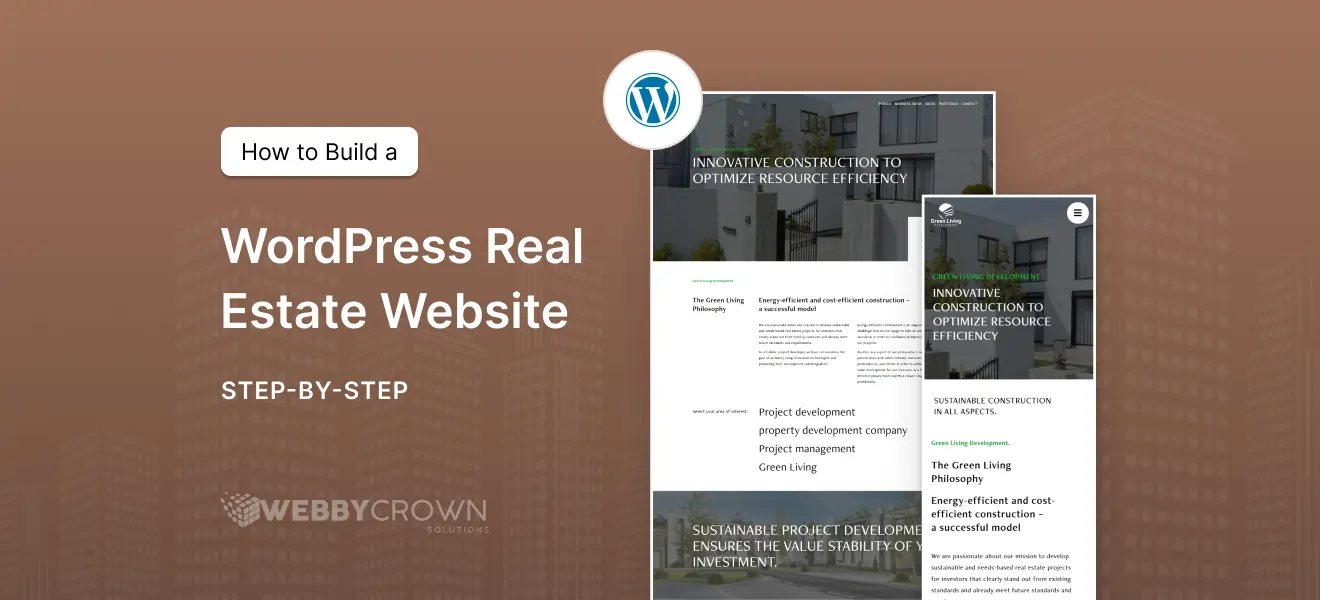
Having a professional online presence is key to success in today’s real estate market. So how do you build a WordPress real estate website? You’re in the right place. This tutorial will walk you through building a WordPress real estate website with Elementor, including custom property listings, search functionality and lead capture.

Client Case Study: WordPress Website for Real Estate Projects
AAs an example of our work we built a custom WordPress real estate website for a major real estate developer showcasing various property listings with advanced features to suit their needs. We created custom post types for properties, integrated interactive maps and advanced search filters to improve user experience.
The site also had lead capture tools and a streamlined contact process to convert visitors into clients. This case study shows how a well designed WordPress real estate site can help grow your business and engage with clients. Check out the full case study here at Webby Crown.
Install Theme and Elementor (WordPress Real Estate Website Tutorial)
First things first, you need to set up a solid foundation with a good WordPress theme and Elementor page builder. Here’s how:
- Choose one of the best WordPress themes for real estate 2025 that is Elementor compatible and performance optimized.
- Install your chosen theme on your WordPress site.
- Consider using a template kit or a real estate theme to get a real estate design and layout.
- Install and activate the Elementor plugin and Elementor Pro to get access to the Theme Builder and dynamic tags.
- Use Elementor’s customization options for headers, footers, sidebars and property listing page design.
- Customize every aspect of your site without coding using Elementor’s drag and drop editor.
These will give you a good foundation to build and customize your real estate website.
Create Listings in WordPress with ACF (Property CPT WordPress Tutorial)
To show your property listings follow these steps:
- Create a custom post type (CPT) for properties using a plugin like Custom Post Type UI or register it manually.
- Use Advanced Custom Fields (ACF) to add custom fields such as price, bedrooms, bathrooms, location, and virtual tours.
- Group these custom fields into a field group for easier management.
- Create template layouts for property listing pages where you can insert dynamic content like post title and custom fields.
- Manage and update your property listing templates with this setup.
Design Property Listing Template with Elementor Theme Builder (Elementor Theme Builder Real Estate Template)
Now with your property CPT and custom fields in place, use Elementor Theme Builder to create a dynamic listing page, also known as a property listings page. Here’s how:
- Use Elementor’s drag and drop editor to customize the layout without coding.
- Use Elementor dynamic tags combined with ACF to pull in property details like price, bedrooms and virtual tours.
- Add elements like images, descriptions and calls to action to create a listing page.
- Include interactive property maps in the template to enhance user experience and show locations.
- Make sure the property listings page design is the same across all listings for a professional look.
- Preview and test your template to make sure all dynamic content displays correctly and updates automatically.
How to Add Property Search to WordPress
Adding a search function is key to user experience especially for home buyers looking for their dream home. Here’s how to do it:
- Use plugins like Elementor or WPForms to create custom search forms.
- Configure search control elements like filters, buttons and layouts to make it user friendly.
- Add filters for property types, price ranges, locations and custom fields.
- Make the search interface help home buyers find their dream home quickly and efficiently.
Integrate IDX with WordPress for Frequently Updated Listings (How to Integrate IDX with WordPress)
For real estate agents, integrating IDX (Internet Data Exchange) is essential to display frequently updated listings from a multiple listing service (MLS). Here are the benefits and features of IDX integration with WordPress:
- IDX pulls data directly from the MLS so your website visitors get the most up to date information.
- You can display property listings and real estate listings on your site including new listings that are auto updated as soon as they become available.
- IDX rules are governed by national associations like National Association of Realtors (NAR) so your site is compliant with industry standards.
- IDX provides SEO benefits with fresh content and comprehensive listings.
- It boosts your site’s credibility by showing a wide range of real estate listings.
- Learn how to integrate IDX with WordPress to auto display updated property listings on your site.
This is a must have step in building a professional and trustworthy real estate website.
Capture Leads with WPForms on Your WordPress Real Estate Site (WordPress Real Estate Site Lead Capture WPForms)
Converting visitors into clients requires lead capture tools. Here’s how to use WPForms and other features to do that:
- Use WPForms to create custom property enquiry forms that integrate with your CRM.
- Place these enquiry forms on property listing pages and your contact page to capture potential clients’ details.
- Add a mortgage calculator to your website to attract more leads by giving home buyers a useful tool.
- Make lead capture tools easy to use and accessible so visitors will reach out.
- Monitor and optimise your lead capture forms to improve conversion rates.
Lead capture tools are key to growing your real estate business online.
Publish and Promote Your WordPress Real Estate Website
Once your WordPress website is up, follow these steps to make it stand out and support your real estate business:
- Show credibility by having a professional website that reflects your real estate agency and agents.
- Promote your real estate services to property owners and position yourself as an expert in the real estate industry.
- Use the best digital marketing and website management tools to reach more people.
- Leverage WordPress’s flexibility and tens of thousands of real estate professionals use it worldwide.
- Optimise your website content for search engines by including geo-modified keywords like “WordPress real estate website [city]” or “real estate website developer [city]” to get local clients.
- Provide valuable and interesting content on your site to build authority and keep visitors engaged.
- Consider offering WordPress real estate website design services or hiring a developer for advanced customisation and scaling.
Follow these steps and you’ll have a killer online presence that grows your real estate business.
By following this WordPress real estate website tutorial you’ll have full control over your listings, design and lead capture — no developers required. Start building your website today with just a few clicks and watch your real estate business grow.