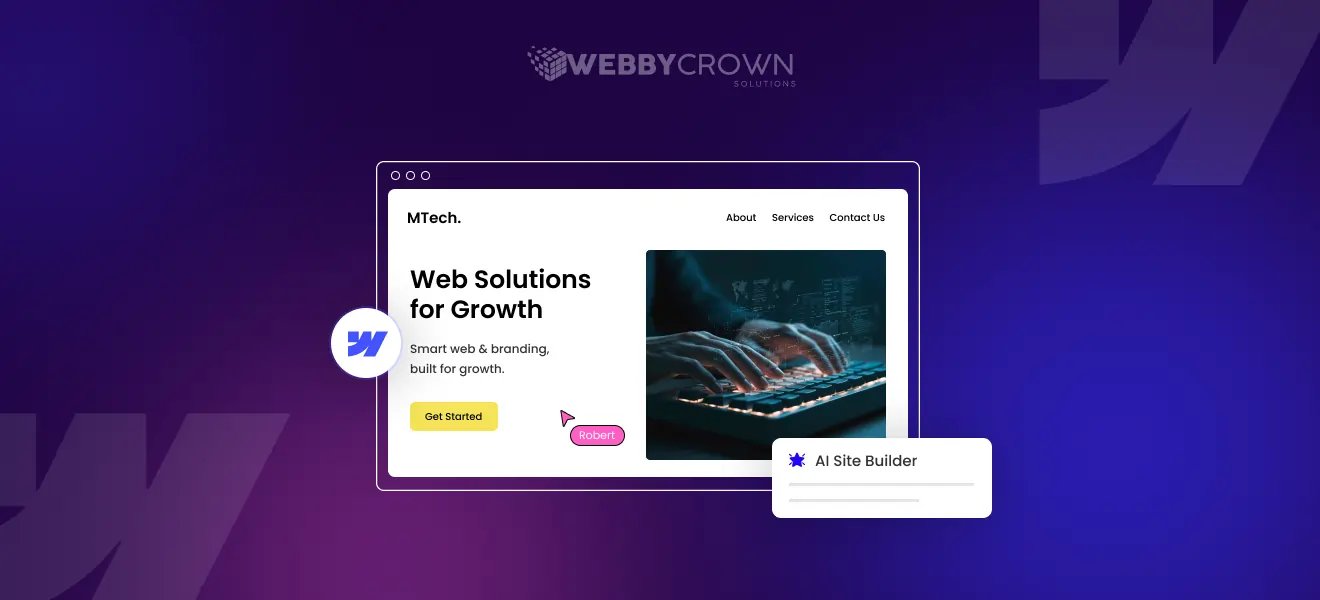
Webflow AI Assistant is changing the web design game by bringing AI into the Webflow platform.
The Webflow AI Assistant was created to give you superpowers for website creation.
Not to replace developers and designers, but to be a game changing tool that accelerates workflows, boosts creativity and streamlines website creation so you can build websites faster.
Using the Webflow AI Assistant for the first time is a unique and magical experience that shows what AI powered web design looks like.
What Webflow AI Assistant Can Do
The AI assistant has many capabilities including rapid website generation, custom components, automatic style guide creation and on-canvas content generation for any element, text blocks or interactive components. It uses existing text content – static text elements, CMS data and highlighted rich text – to generate and enhance copy quickly. It uses a component library and design system to help you create fully responsive layouts and new pages in no time.
How Webflow AI Site Builder Works
Webflow AI is an advanced ai site builder that transforms the way users create websites. The process starts with users entering essential details about their business, such as the type of site they want and their unique value proposition. From there, Webflow AI leverages natural language processing and machine learning to generate a fully designed website, complete with professional layouts, relevant images, and tailored content.
The ai assistant can quickly generate new pages—including a contact page—ensuring that every website has the core elements needed for success. Throughout the process, Webflow AI suggests images, fonts, and other design features to help users create a cohesive and visually appealing site. This tool streamlines the entire website creation process, making it easy for anyone to generate a polished, professional website with minimal effort.
AI’s Impact on Developer Tasks
AI tools like Webflow AI Assistant are changing developer tasks by automating boring and time consuming tasks like layout structuring, copy generation and style consistency. This means developers can focus on complex problem solving and unique design challenges.
Automation also helps developers track project progress and deadlines so they stay on schedule and focused throughout the project.
Key Webflow AI Capabilities:
- Fast Website Creation: Create entire site structures, including homepage, forms and additional pages in minutes and define pages and project scope early on to prevent scope creep.
- Customizable Components: Access a library of pre-built, responsive components that can be tailored to any brand’s style and copy and paste into your favourite design tools.
- Style Guide Generation: Auto generate style guides to keep design consistent across fonts, colours and variables.
- Sitemap Generation: Generate sitemaps with the AI Assistant to speed up website design and development.
- Content Generation: Create and edit copy directly on the design canvas.
- Wireframe Generation: Generate wireframes for initial layouts and style guides in seconds to speed up the early stages of website development.
- Seamless Workflow Integration: Have full control over final output with easy publishing and editing options.
Human Creativity: Still Essential
Despite all the AI can do, human creativity is still essential. Designers and developers bring the unique ideas, nuance and strategy that AI can’t replicate. The Webflow AI Assistant supports this creativity by handling the boring stuff so professionals can innovate.
Visually Comparing: Where Does AI Save Time?
| Aspect | AI Advantages | Impact |
|---|---|---|
| Initial Design Drafts | Speeds up creation of initial layouts and wireframes | Faster iteration and review cycles |
| Layout Generation | Quickly produces consistent and professional layouts | Reduces repetitive manual work |
| Style Guide Production | Automatically generates consistent style guides | Ensures design uniformity and branding consistency |
| Input Handling | Accepts key inputs like value propositions or locations to tailor designs | Accelerates the overall design process |
| Time Savings | Drastically cuts down time spent on repetitive design elements | Enables designers and developers to focus on higher-level creative tasks |
How AI Empowers Developers
By automating the basics, AI lets developers focus on custom code, complex interactions and user experience enhancements. It’s an assistant that boosts productivity not a replacement.
Plus the AI Assistant makes collaboration within a team easier, so colleagues and clients can communicate and approve project workflows more easily.
AI Tasks vs. Human-Only Skills
AI handles tasks like generating default layouts, copy suggestions, style matching and managing form submissions to make user interactions smooth. Humans only skills are creative problem solving, brand storytelling and complex decision making based on client goals.
Can AI Replace Developers Completely?
Currently, AI cannot fully replace developers. While it accelerates many processes, the depth of customization, strategic planning, and creative insight provided by developers remains indispensable.
The Productivity Revolution: Numbers Don’t Lie
Teams using Webflow AI Assistant report significant time savings and faster project delivery. The ability to generate new pages and components with one click accelerates workflows and reduces the need for extensive manual input.
Take the Webflow AI Assistant for a spin to experience these productivity benefits firsthand.
The Positive Impact:
- Streamlined Collaboration: AI tools facilitate smoother teamwork and communication.
- Scalability: Businesses can scale web projects efficiently without proportional increases in resources.
- Consistency: Automated style guides and component libraries ensure uniform branding.
- Flexible Plans: Various plans are available to meet different business needs and budgets.
Disadvantages of Webflow AI
While Webflow AI offers impressive speed and convenience, it does come with some limitations. One of the main drawbacks is the reduced level of control users have over the design process. Since the AI generates the website based on user input, the final result may not always perfectly match the user’s vision or brand identity. Additionally, the content and layouts produced by the tool may require further editing and refinement to ensure accuracy and engagement.
For users with complex design needs or custom features, Webflow AI may struggle to deliver the level of customization required, especially for large-scale projects. There can also be occasional issues with forms—such as error messages like “Oops! Something went wrong while submitting the form”—which may require manual troubleshooting. Overall, while Webflow AI is a powerful tool for creating websites quickly, it may not be the best solution for every project, particularly those that demand intricate design or advanced features.
Where AI Thrives vs. Where Humans Remain Essential
AI thrives in automation, rapid generation, and consistency. Humans excel in creativity, strategic direction, and nuanced customization, making collaboration between AI and humans the optimal approach.
Target Audience for Webflow AI
Webflow AI is designed to cater to a broad audience, making it an ideal solution for everyone from beginners to seasoned designers and developers. Small businesses, entrepreneurs, and freelancers will find the ai assistant especially valuable for creating a professional website quickly and efficiently, without needing deep technical expertise.
For designers and developers, Webflow AI streamlines the building process, allowing them to focus on high-level design and creative decisions rather than repetitive tasks. Teams can take advantage of the tool’s one-click functionality to accelerate their workflow and collaborate more effectively. Whether you’re building your first website or looking to optimize your team’s web design process, Webflow AI offers a flexible, user-friendly solution that adapts to a variety of needs and skill levels.
Security and Reliability
Security and reliability is at the heart of the Webflow AI experience. Built on the Webflow platform, the ai site builder uses industry standard encryption and secure protocols to protect your data and every site built with security in mind. Webflow AI is updated regularly with new features and security patches to stay ahead of emerging threats.
The platform supports HTTPS and all the other important security protocols so you and your visitors can have peace of mind. To add an extra layer of reliability Webflow AI has a review process where you can refine and edit generated content before publishing so the final site meets your standards for quality and accuracy.
No ai tool is 100% error free or bias free, but Webflow AI’s commitment to security and continuous improvement makes it a safe choice for building and maintaining professional sites.
Integration with Other Tools
Webflow AI stands out for its seamless integration with a wide range of web design tools and workflows. Users can easily connect the ai assistant with the Webflow Designer and Webflow CMS, enabling smooth import and export of designs and effortless management of website content and layout. The platform also supports integration with popular third-party tools like Figma and React, making it simple to incorporate AI-generated websites into existing design and development processes.
By leveraging the style guide and component library, users can ensure that every website maintains a consistent and professional look. With an open API and comprehensive documentation, Webflow AI can be integrated with custom tools and workflows, offering flexibility for teams and businesses of all sizes. This powerful combination of features and integrations empowers users to generate, customize, and scale high-quality websites with ease, supporting a wide range of web design and development needs.
The Future: Collaboration, Not Competition
The future of web design lies in collaboration between AI-powered tools and human expertise. Webflow AI Assistant exemplifies this synergy, enabling designers and developers to create superior websites faster and more efficiently.
Conclusion
Webflow AI Assistant is a revolutionary ally that enhances the capabilities of developers and designers. By automating routine tasks and providing intelligent assistance, it empowers creative professionals to focus on innovation and quality, driving the future of web design forward.